On this page you can download the Free Flying Films logotype in all necessary formats.
The logo can be placed on a white background, but also on a coloured or a photo background.
In the last case, a white outline will appear around the logotype for contrast and legibility.
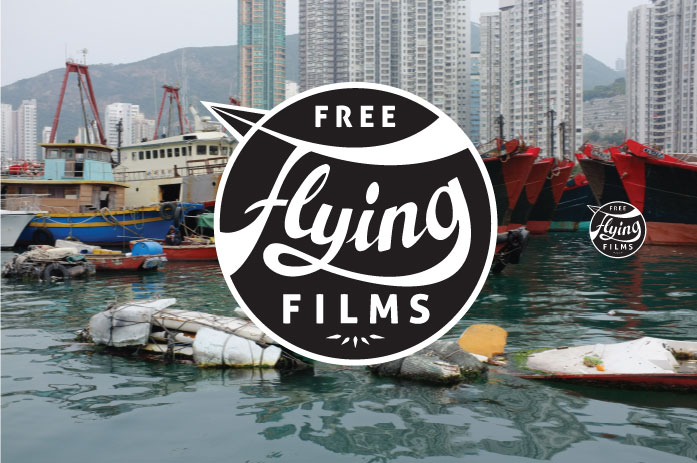
example of white outline around the logo on a photo background
On applications produced by and for Free Flying Films, use the logotype in a centered position as much as possible.
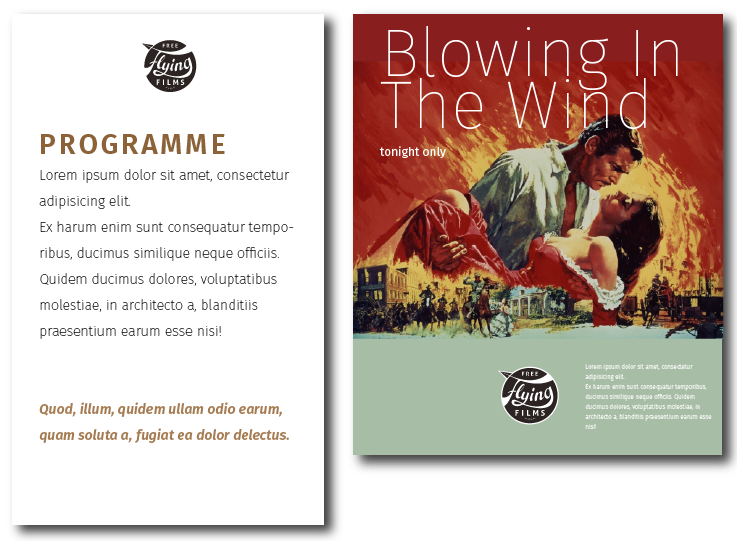
The logo can be placed on top or on the bottom, but always horizontally centered.
Try to always use the vector formats provided below. These will apear sharp in any resolution and size, and will produce smaller and sharper exported pdfs.
Modern office applications will also accept .Pdf files.
You don't have to actually open the logotype, it's better to use the import function in e.g. Adobe Illustrator, InDesign or PowerPoint.
The best option here is to use the .Svg format, because this is a vector format as well, and will appear sharper on any screen and size and will download faster on slow mobile connections.
Logotype and these instructions by Streeff.nl